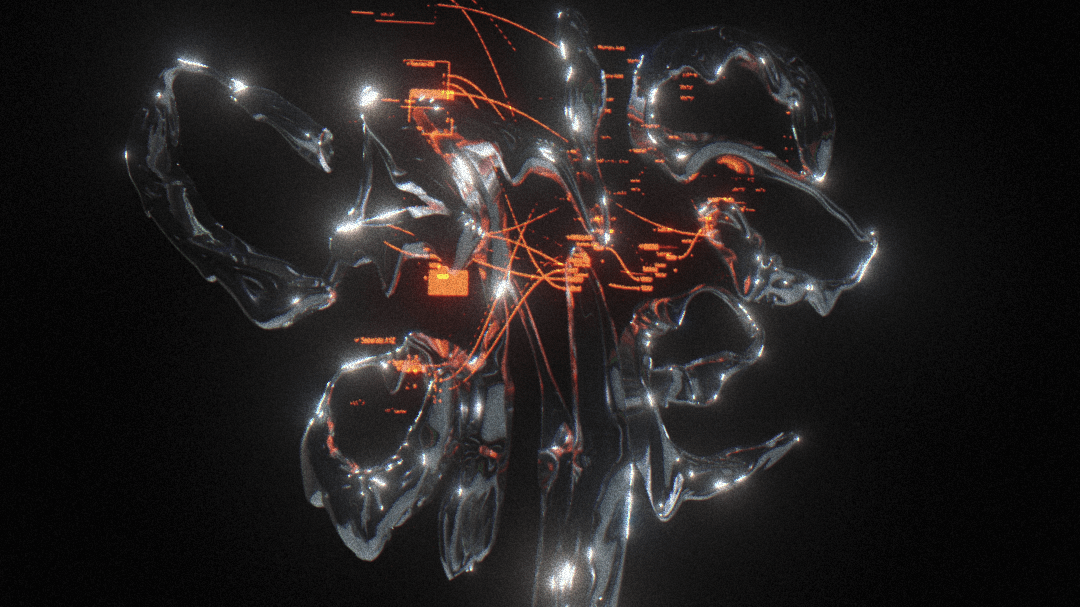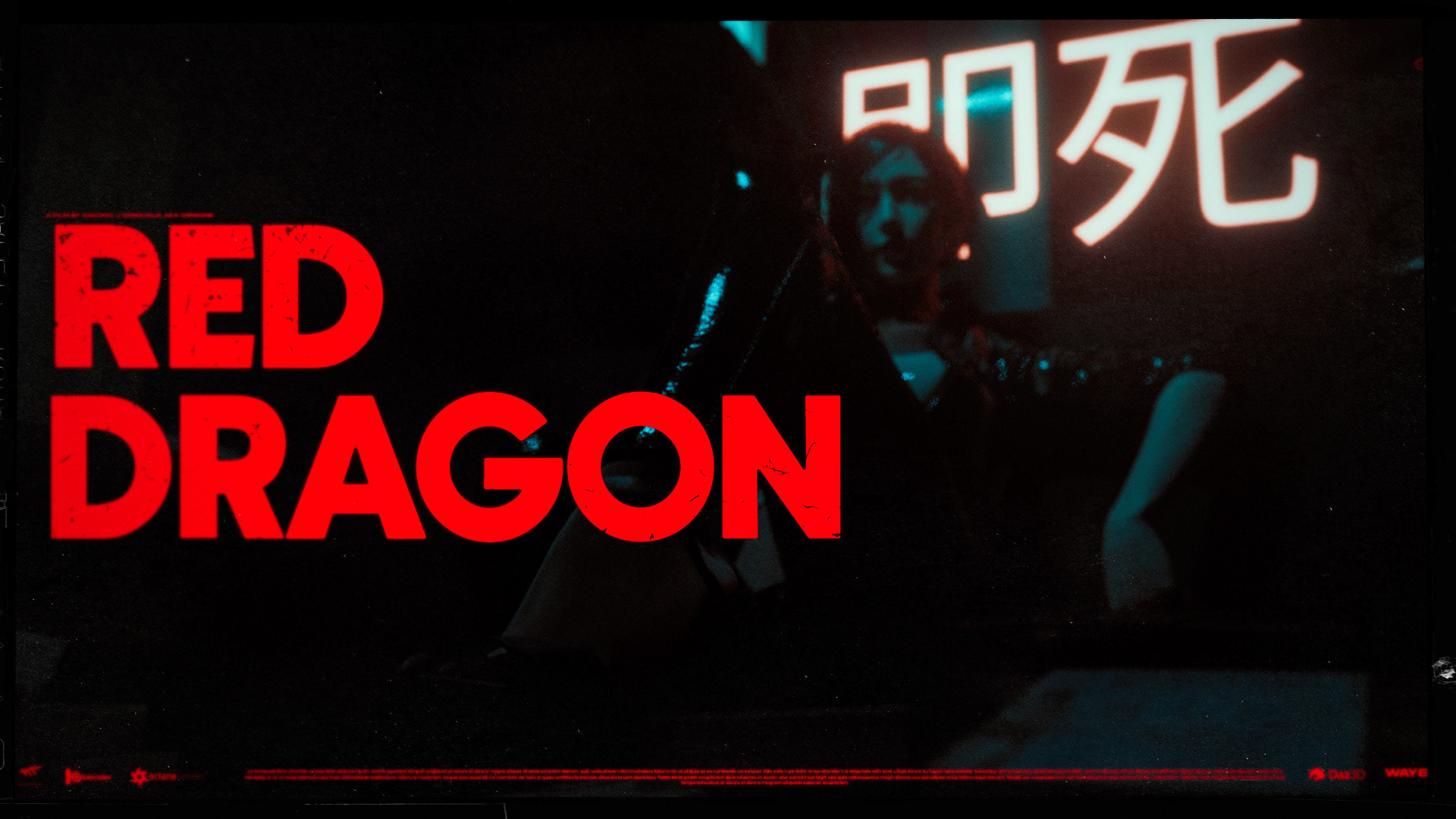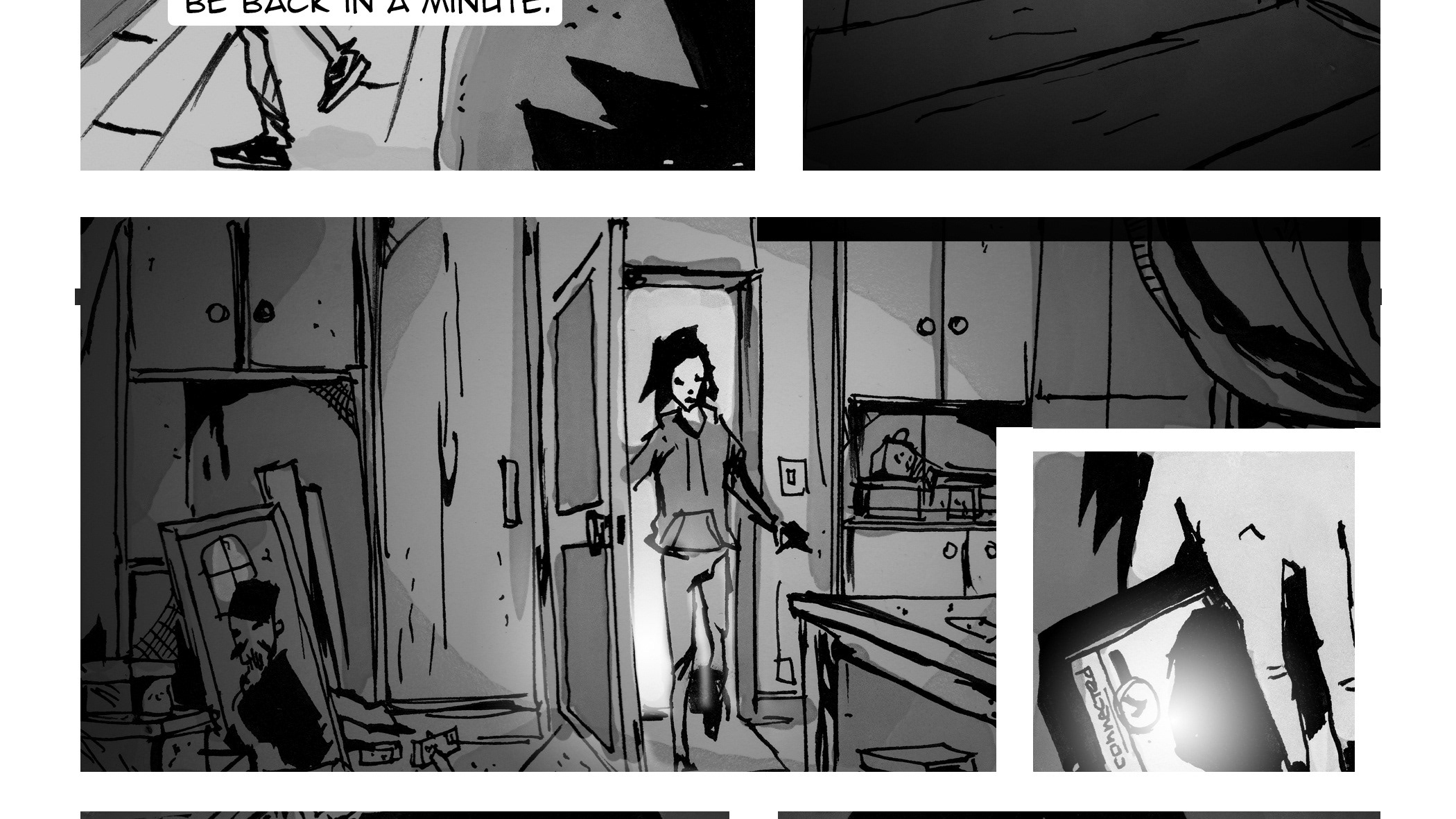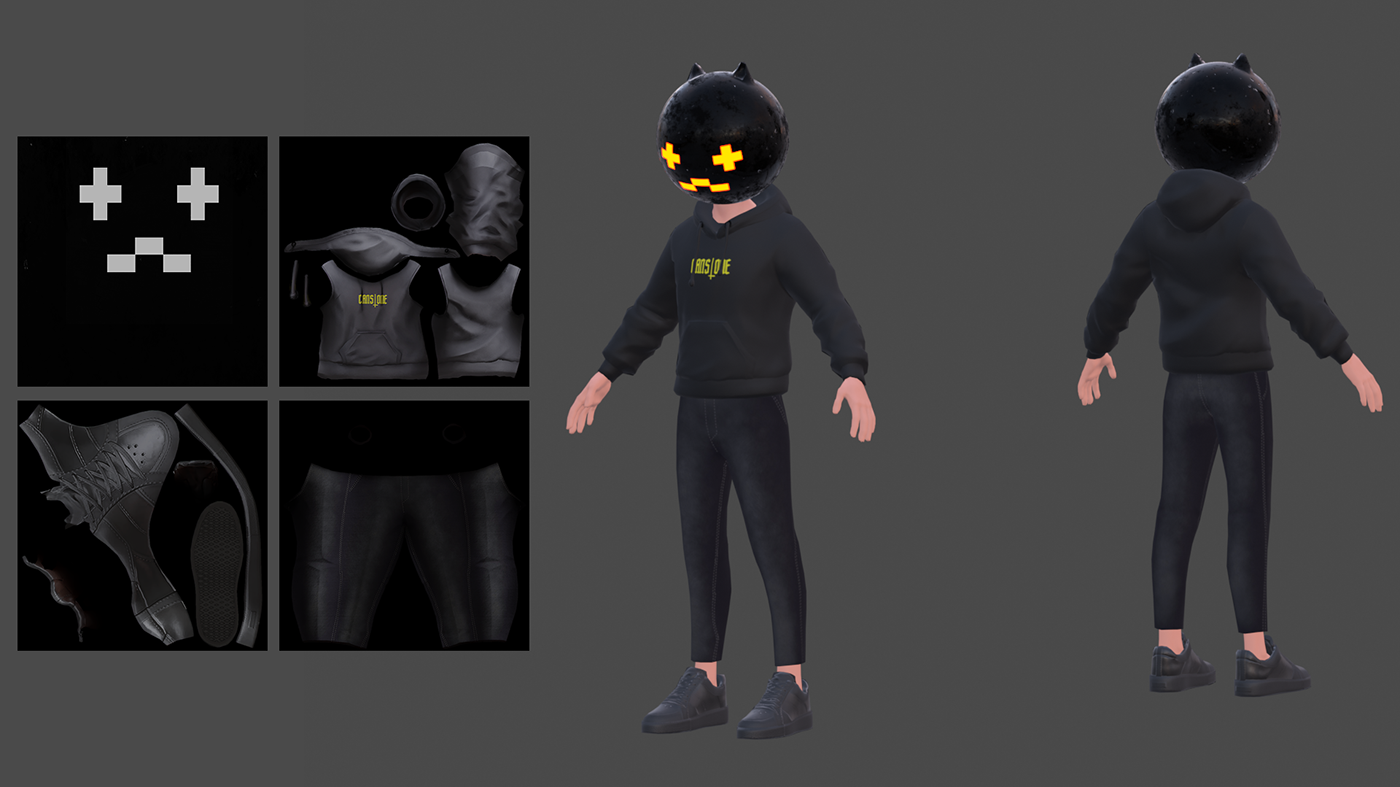

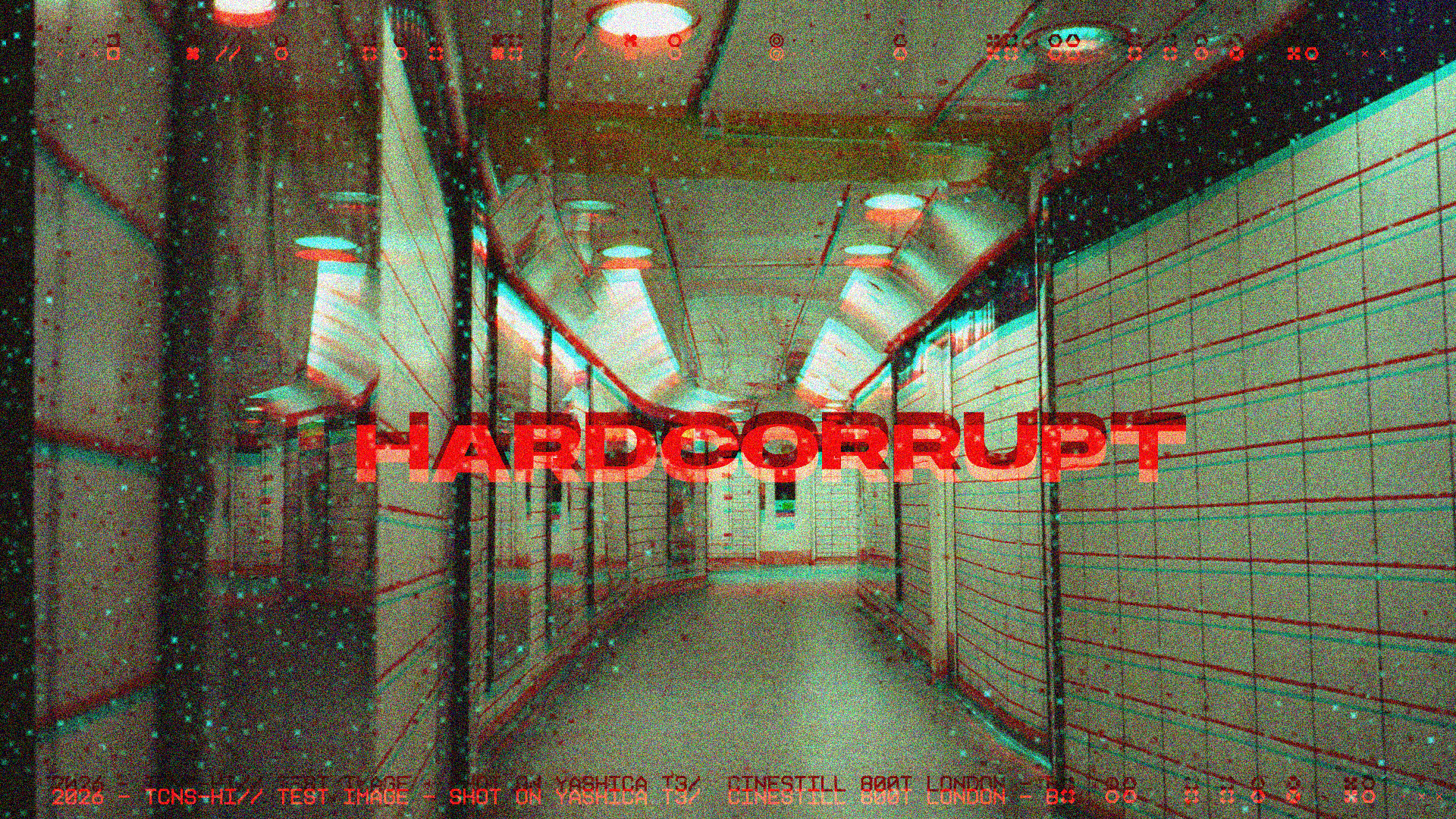
Harcorrupt is an after effects C++ plugin that breaks your footage.
The glitch plugin that fights back. Harder.
No fluff. No gatekeeping. Just pure, unfiltered pixel destruction — now with more ways to make your footage suffer.
HardCorrupt isn't your influencer's "aesthetic glitch" preset pack.
This is for the VJs, the motion punks, the loop artists, and anyone who's ever looked at a clean frame and thought: "This needs to hurt more."
Block Corruption The core engine. Divides your frame into blocks and destroys a percentage of them — displacing pixels horizontally and/or vertically, or swapping blocks from random positions across the frame. Block Size, Corrupt Amount, Displacement X/Y, and Jitter to break the grid.
Block Shape Choose how your corruption blocks are shaped. Square (classic), H-Strips (horizontal bands, VHS dropout energy), V-Columns (vertical signal loss), or Mixed (random per block, pure chaos).
Fill Pattern This is the Will Cecil part. Instead of solid block corruption, choose what gets drawn inside each corrupted block — Cross, Diamond, Checkerboard, Dot, Outline, Scanline rows, or random Scatter. Set a density, toggle a flat background colour, pick the colour. Stack this with block shapes for something genuinely weird.
Luma Gating Only corrupt blocks above or below a brightness threshold. Feather the edge so it fades in gradually rather than snapping. Invert it. Use it subtly (protect your blacks) or aggressively (only destroy the highlights). Pairs well with the mask layer.
RGB Split Separate red, green, and blue channels independently — each with its own X and Y offset. Not just left/right. Diagonal drift, vertical slip, whatever. Only affects corrupted blocks, so your clean image stays clean.
Pixel Sort Real pixel sorting. Not fake. For each row or column, pixels within your threshold range get pulled into segments and sorted by value — luma, red, green, blue, or saturation. Segment Max caps how far any single streak runs. Small segments = broken artifact look. Unlimited = full-row smears. Horizontal or vertical. Both directions simultaneously (stack the effect).
Noise Luminance noise and per-channel chromatic noise. Enable separately. Different seeds per channel so red, green, and blue all go their own way.
Block Style Pixelate corrupted blocks into chunky flat cells, and/or feather their edges back into the original with Edge Decay. Two controls that do very different things to the same blocks.
Global Pixelate Pixelate the entire frame independently of the block corruption. Your background goes chunky while blocks do their thing on top.
Mask Layer Drop any layer in as a mask. Two modes: Luma Probability (bright areas = more likely to corrupt, feathered) or Hard Cutoff (binary mask with threshold). Invert it. Paint exactly where corruption lives.
Temporal Freeze Seed-based datamosh simulation. Blocks with stable luma signatures get frozen to a fixed corruption pattern — like a codec that stopped updating certain macroblocks. Freeze Strength, Motion Threshold, and a mode switch between freezing static areas (real datamosh behaviour) or moving areas.
Seed & Master Manual seed (lock it, keyframe it, whatever) or Auto mode — the seed changes every frame automatically, no keyframes needed, all active effects animate.
Master Opacity blends the entire processed output back against your clean original. One slider to dial everything back.
Master Opacity blends the entire processed output back against your clean original. One slider to dial everything back.
get it here thecansone.gumroad.com/l/nzkob